Website redesign SEO checklist: 39 checks to keep and grow your rankings
Every SEO check for a redesign in one list: before design starts, during the build, on launch day and after, plus what to do if traffic drops.


A website redesign SEO checklist has four stages. Before design starts, benchmark your search traffic, list every URL and decide which pages to keep, merge or retire. During the build, carry over the content, titles and headings that rank, write permanent redirects and keep pages fast and crawlable. On launch day, test the redirects, robots.txt, sitemap and canonical tags, then watch Google Search Console for the next 4–8 weeks.
- A redesign is the cheapest moment to improve SEO, not only to protect it: fix structure, speed and thin pages while you rebuild.
- Decide what happens to every old URL before design starts: keep, improve, merge or retire.
- The parts of a page that earn its ranking (content, title, headings, internal links) move to the new design with it.
- Keep the test site out of search results, and remove that block on launch day.
- Short ranking swings after launch are normal. A drop that lasts several weeks has a cause you can find and fix.
What should a website redesign SEO checklist include?
It should list every check that protects and grows your search traffic, in the order you do them: before design starts, during the build, on launch day and in the weeks after. This list is the SEO part only. The full website redesign checklist also covers goals, content and design, and our guide on how to redesign without losing your Google rankings explains why each step matters.
Traffic losses after a redesign come from a short list of avoidable mistakes: old pages that disappear without a redirect, content that ranked being cut, and test-site settings left on at launch. The other side gets less attention. A redesign is the cheapest moment to fix SEO problems that are expensive to fix later, such as a confusing structure, slow page templates or several thin pages competing for the same search.
Before design starts: what should you check?
Start the SEO work before the first design, because the decisions made here shape the sitemap and the page templates.
Benchmark today's numbers
- Export 12 months of clicks, impressions and search queries per page from Google Search Console.
- Note which pages bring leads or sales from search in your analytics.
- Save PageSpeed Insights results for your main page types: homepage, service page, article and contact page.
- Ask ChatGPT and Google the questions your buyers ask, and save which sources the AI answers cite.
List every URL and decide its future
- Combine every URL from Search Console, analytics, a full site crawl and your backlinks report.
- Mark the pages that bring most of your search traffic and leads. They keep their core content.
- Give every URL one decision from the table below.
- Assign one main search topic to each page, so two pages do not compete for the same search.
- Plan short, readable addresses for new pages, and keep old addresses that already work.
- Start the redirect map now: old address, new address and the decision.
| Decision | When to use it | What happens to the address |
|---|---|---|
| Keep | The page ranks and is still accurate | Same address, new design |
| Improve | The page ranks but is outdated or thin | Same address, better content |
| Merge | Several pages answer the same search | One page stays; the others redirect to it |
| Retire | No traffic, no links, no purpose | Redirect to the closest page, or return a 404 if nothing is related |
During the build: what should you check?
Content and page elements
- Move the content that earns a page's ranking to the new page with it. Improve it, but do not cut what people came for.
- Carry over page titles and meta descriptions that already earn clicks, and write a unique title for every new page.
- Use one H1 per page and headings that match the questions people search.
- Open key pages with a short, direct answer to the main question. This also helps in AI answers, as we explain in what AEO is.
- Add a short FAQ where buyers have real questions.
- Write descriptive alt text for meaningful images.
- Link related pages to each other in the text, and make sure no important page is left without internal links.
Technical setup
- Render page content on the server, so the text is in the HTML for every crawler, including ones that do not run JavaScript.
- Build templates that meet Google's Core Web Vitals targets: LCP within 2.5 seconds, INP of 200 milliseconds or less and CLS of 0.1 or less, measured at the 75th percentile of page loads (web.dev).
- Show the same content on mobile as on desktop.
- Set each page's canonical tag to its final, live address.
- Add structured data that describes your business, articles and breadcrumbs.
- Keep the test site out of search results with a password or a noindex tag.
- Generate an XML sitemap that lists only the new, indexable addresses.
- Write the redirects as server-side permanent redirects (301 or 308), one-to-one and with no chains.
Launch day: what should you test?
Most migration problems show up within an hour of launch if someone looks.
- Remove the password or noindex tag left from the test site.
- Check that robots.txt allows the site, its CSS and scripts, and the AI crawlers you want to be cited by.
- Crawl your list of old addresses: each one should return a single 301 or 308 redirect to the right new page.
- Spot-check top pages: status 200, the right title, H1, content and canonical tag.
- Submit the new sitemap in Google Search Console and Bing Webmaster Tools.
- Use URL Inspection in Search Console to request indexing of your most important pages.
- Confirm that analytics, conversion tracking and every form work on the live site.
- If the domain changed, also use the Change of Address tool in Search Console.
Get a free website audit: speed, SEO, AEO and mobile, with the fixes that matter most.
After launch: what should you watch, and for how long?
Watch closely for the first 4–8 weeks. Google says a small to medium-sized website can take a few weeks for most pages to move in its index, larger sites take longer, and rankings can fluctuate during the move (Google Search Central).
- Every week, check the Page indexing report for new "not found" (404) errors, and redirect each one.
- Compare clicks and impressions of your top pages with the benchmark.
- Check the Sitemaps report: the new addresses are being read and indexed.
- Search your main queries and confirm the new addresses replace the old ones in the results.
- Ask AI assistants your buyers' questions again and compare the answers with the ones you saved.
- Keep the redirects in place. Google advises at least a year; we keep them for good.
When we rewrite a case study on this website and its address changes, the old address gets a permanent redirect in the same release. It is a small habit that keeps links and rankings pointing at the right page.
What if your traffic drops after the redesign?
A short dip while Google recrawls the site is normal. A drop that lasts more than a few weeks, or that hits specific pages, usually has one of these causes. Check them in this order:
| What you see | Likely cause | Fix |
|---|---|---|
| The whole site drops sharply | A noindex tag or robots.txt block left from the test site | Remove it and resubmit the sitemap |
| Specific old pages lose their traffic | A missing redirect, or a redirect to the homepage | Redirect each one to its closest new page |
| A page is still indexed but ranks lower | Content, title or headings that answered the search were cut | Restore what answered the search |
| New pages are not indexed | Missing from the sitemap, no internal links or a wrong canonical tag | Fix the sitemap, links and canonical tag |
| Pages got slower, especially on phones | Heavier new templates | Fix the Core Web Vitals issues |
Can a redesign improve your SEO?
Yes, when the SEO work is part of the plan rather than a launch-week task. Merging thin pages, a clearer structure, faster templates and pages that answer questions directly all help pages rank better than they did before.
The same work counts for AI answers. Google says its AI features in Search are rooted in its core ranking and quality systems, and that you do not need new AI text files or special markup to appear in them (Google Search Central). To go further, see how to get your business cited by ChatGPT and AI Overviews.
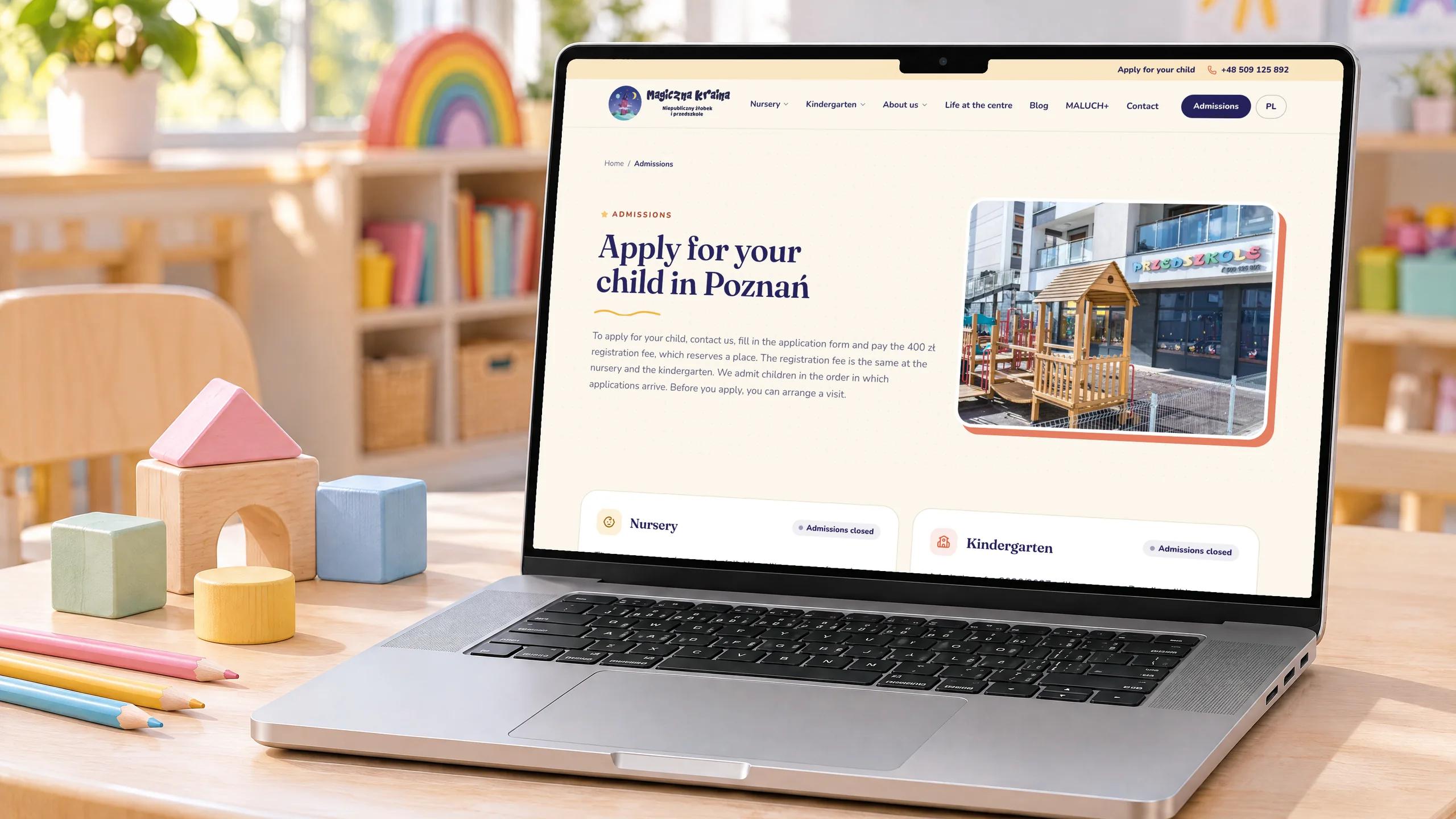 Case study · EducationMagiczna Kraina – website redesign for a nursery and kindergarten100 PageSpeed score on mobile and desktop3 weeks From the first plan to launch0 WCAG A/AA accessibility violations on 12 key pagesRead the case study
How much time do the SEO checks add to a redesign?
On a typical business site, very little, because the checks run alongside design and build. We build the redirect map in the first week and test it before launch, within the usual 3–4 week redesign timeline. If you are still deciding how big the change should be, a refresh that keeps your addresses carries the least SEO risk; see website redesign vs refresh vs rebuild.
Questions people ask
Does a website redesign affect SEO?
Yes, in both directions. Missing redirects, cut content or a forgotten noindex tag can lose traffic. A clearer structure, faster pages and better answers can grow it. A checklist covers both sides.
How long does it take Google to pick up a redesigned website?
Google says a small to medium-sized website can take a few weeks for most pages to move in its index, and larger sites take longer. Expect some ranking movement during that time.
Which redirect should I use for pages that change address?
A permanent, server-side redirect: 301 or 308. Google recommends permanent redirects for site moves and says they do not cause a loss in PageRank. Keep them for at least a year; we keep them for good.
Should I change my domain at the same time as the redesign?
Avoid it if you can. When several big changes go live at once and traffic dips, it is hard to tell which one caused it. If you do move domains, use the Change of Address tool in Google Search Console as well as redirects.
Do I need special markup or an llms.txt file to appear in AI answers after a redesign?
No. Google says its AI features are rooted in its core Search ranking and quality systems, and that you do not need new AI text files or special schema markup to appear in them. Indexable, fast pages that answer questions clearly are what count.
Sources
For 10 years Vlad has led the design and build of websites, apps and internal tools for companies across industries. He writes about what keeps software projects on time and how businesses get found in search and AI answers.
More about us